
Desktop application development
Windows and cross-platform programs for production floors, offices and engineering teams, built in C# and C++.
Discuss your desktop app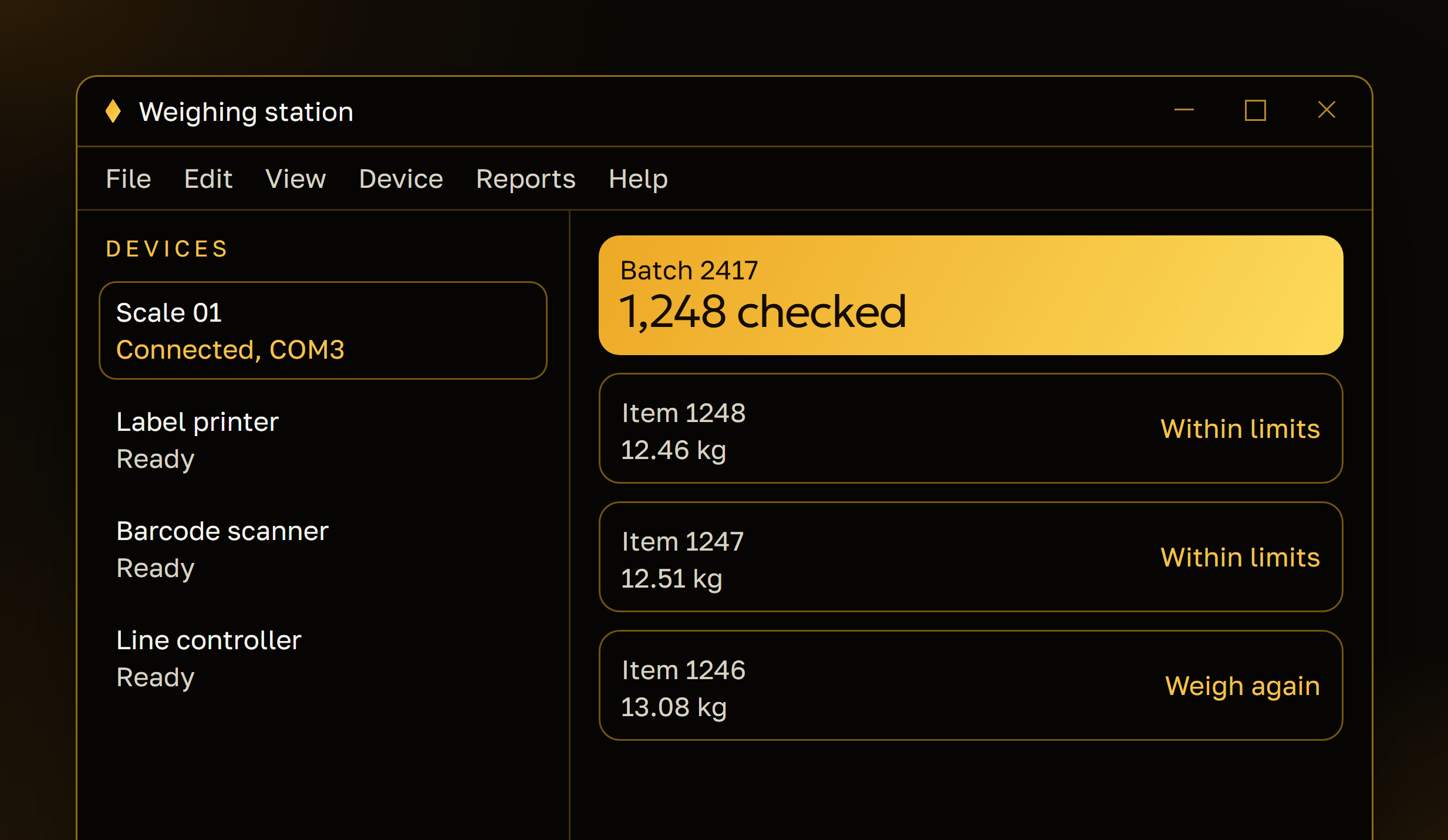
What we build
Programs that run on your own machines
For work that needs the full power of a computer, direct access to equipment or no dependence on a connection.
Windows applications
Programs for staff and operators, with the windows, menus and shortcuts people expect on Windows.
Cross-platform desktop apps
One application for Windows, macOS and Linux when your teams use more than one system.
Tools for production and engineering
Configurators, calculators, data viewers and test tools for engineers and the shop floor.
Performance-critical software
Large files, images and sensor data processed in C++, where speed and memory use matter.
Hardware and device integration
Programs that work with scanners, printers, scales, controllers and measuring equipment.
How a project runs
From the first workstation to every machine
We test on the computers and devices your people actually use, not only on ours.
Requirements and environment
We list the tasks, the computers, the operating systems and every device the program must work with.
Prototype the hard part
The riskiest piece first, such as a device connection or a heavy calculation, proven on real hardware.
Build and testing
Development in short cycles, with builds installed on your machines for testing at each step.
Installer and updates
An installer, a way to deliver updates, and support as new versions of the operating system arrive.
Projects
Ask to see the work
Desktop tools usually run on a client’s own machines, so we show them on a call rather than on the site.
All projectsA walkthrough on a call
We share a screen and show related desktop work and C# or C++ code, as far as our agreements allow.
Details under NDA
When the software or your equipment is confidential, we sign a non-disclosure agreement before we go into detail.
A small proof of concept
For a program that must talk to a device or an old system, we can start with a short test of that link before the full estimate.
Technology
Platforms and tools
- Languages
- C# for business and office programs, C++ for speed and work close to the hardware
- Systems
- Windows first, with macOS and Linux where the project needs them
- Devices
- Serial, USB and network connections to scanners, printers, controllers and instruments
- Delivery
- Installers and automatic updates, or packages for your IT team to roll out
- Testing
- On the hardware and operating system versions your team uses
If a web or mobile app would serve you better than a desktop program, we say so before you commit.
FAQ
Desktop application questions
Not covered here?
Ask us directlyWhy choose a desktop application over a web app?
A desktop program suits work that needs direct access to equipment, heavy processing, large local files or work without a connection. If none of these apply, a web application is often simpler to roll out, and we will say so.
Do you build for Windows only?
Windows is the most common request, and we build for it first. When a team also uses macOS or Linux, we plan a cross-platform application from the start.
Can the program work with our equipment?
Usually, yes. We connect to devices through their drivers, SDKs or documented protocols. Before the estimate we read the documentation and, where possible, test with the device itself.
Can you update or rebuild an old desktop program?
Yes. We start by reviewing the code and how the program is used today, then decide with you whether to extend it, rebuild it in parts or replace it.
How do updates reach every computer?
We set up an installer and an update channel, so new versions reach users without manual reinstalls. If your IT team manages software centrally, we package the program for their tools.
Other directions
More of what we build
Games, apps, websites and business software from the same team.
Strategy games and RPGs for iOS and Android, from prototype to live updates.
Apps for customers and for teams in the field, on both platforms.
Company websites, portfolios and online stores that load fast on any screen.
Web platforms, client portals and dashboards that run in the browser.
Business systems, automation and integrations built around how your company runs.
Assistants, chatbots and automation built into your products and the systems you already run.
Contact
Need a tool for the desktop?
Tell us what the program should do and where it will run. We reply within 1 business day.
Start a desktop project- Email: [email protected]
- Location: Dnipro, Ukraine